
Collect Exhibitor Information using your phone!

Benefits


Enjoy the show paperless
Get materials instantly
Easy to share
How it works

Before you enter the venue
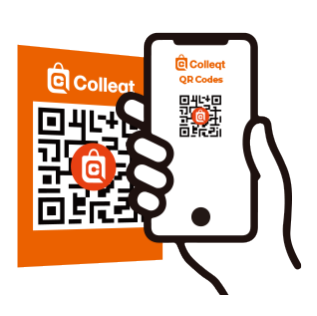


1. Scan 2D barcodes on signboards and posters near the entrances

2. Scan 2D barcode on your visitor badge

Before you enter the venue


1. Scan 2D barcodes on signboards and posters near the entrances
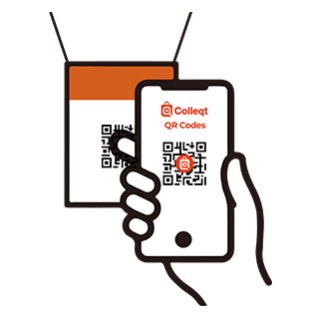
2. Scan 2D barcode on your visitor badge

Once inside the venue
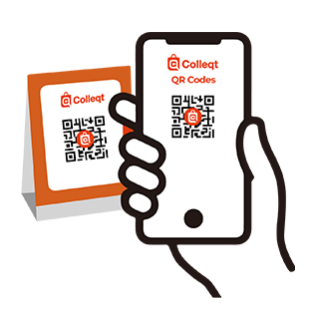


3. Scan 2D barcodes at exhibitor booths or designated areas 
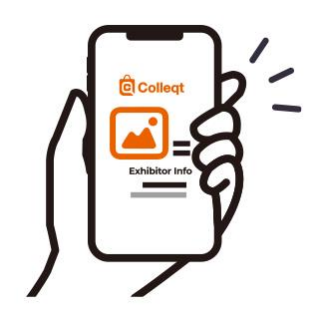
4. Receive Exhibitor Information by PDF or Email


FAQs


No.
Colleqt can be used directly from your smartphone’s web browser.

Downloaded materials are saved in the download folder on your smartphone.
After the exhibition, you will also receive an email summarizing your download history, sent to your registered email address.

The email will be sent to your registered email address on the Monday following the exhibition week.
You can download the materials from the URL provided in the email.
If you do not receive the email, please contact the Show Management.

Please complete visitor registration on the website of the exhibition you plan to attend.
From approximately three weeks before the exhibition, you will receive an email with instructions for downloading your badge.
Please download your badge and bring it with you to the venue.

If Wi‑Fi is turned on, please turn it off and try again.
Your scan history will remain saved.


Please Note

By scanning 2D barcodes, your contact information will be shared with the exhibitors.
You may be contacted by the exhibitors after the event.